
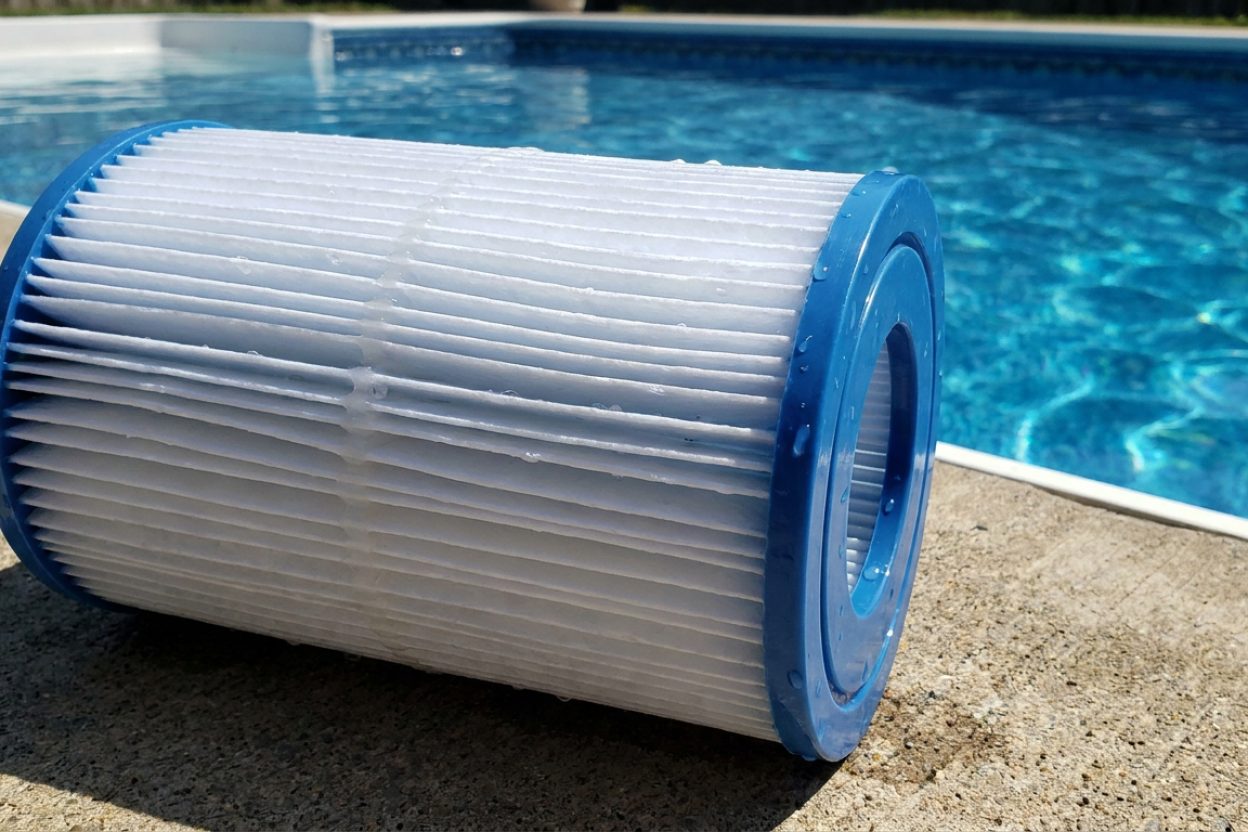
Do Sand Pool Filters Need Cleaning? Complete Maintenance Guide

New pool owner - how often should I clean my sand filter?
Read full question
Apparently the manual says to backwash my sand filter every few weeks, but that doesn't match what the pool store is telling me about maintenance. I have a sand filter system and the pool store told me I'd need to clean it sometimes, but they didn't really explain how often or what that involves.
I've been running the filter daily and the water looks pretty good so far, but I want to make sure I'm not missing something important. Should I be doing something regularly to keep the sand filter working properly? And how long does the sand itself typically last before it needs to be replaced?
Quick Answer
Yes, sand pool filters absolutely need regular cleaning through backwashing every 1-2 weeks and deep cleaning every 3-6 months. Proper maintenance keeps your filter working efficiently and extends sand life to 3-5 years.
Step-by-Step Sand Filter Cleaning Process
Regular Backwashing (By Pressure, Not the Calendar)
- Turn off your pool pump completely - Never operate the multiport valve while the pump is running as this can damage the valve and filter internals.
- Set the multiport valve to "BACKWASH" - Turn the handle to align with the backwash position. You should feel it click into place.
- Turn the pump back on - Water will now flow backward through the sand bed, lifting trapped debris and contaminants.
- Watch the sight glass - Most filters have a clear sight glass on the waste line. Initially, you'll see dirty, cloudy water flowing out.
- Continue backwashing for 2-3 minutes - Keep running until the water in the sight glass runs relatively clear. This typically takes 2-3 minutes but may take longer if the filter is very dirty.
- Turn off the pump again - Always shut off the pump before changing valve positions.
- Set valve to "RINSE" - This step is crucial and often skipped. Rinsing settles the sand bed and prevents dirty water from returning to your pool.
- Run pump for 30-60 seconds on rinse - Watch the sight glass again until water runs clear.
- Turn off pump and return valve to "FILTER" - Your filter is now ready for normal operation.
- Check and refill pool water level - Backwashing removes 200-500 gallons of water depending on your filter size and how long you backwash.
Deep Cleaning Process (About Once a Year)
- Perform initial backwash - Follow the regular backwashing steps above to remove loose debris first.
- Turn off pump - This prevents water flow during the cleaning process.
- Remove the drain plug - Located at the bottom of the filter tank to drain remaining water.
- Open the filter tank - Unscrew the clamp ring or remove clamp band, depending on your filter model (Pentair, Hayward, Jandy designs vary).
- Inspect the sand level - Sand should be 2/3 up the tank height. If sand level is low or you see channeling, you may need to add or replace sand.
- Remove the multiport valve and standpipe assembly - Lift carefully to avoid damaging the laterals at the bottom.
- Spray down the sand - Use a garden hose to rinse the sand, stirring gently with a pool brush to release trapped oils and fine debris.
- Apply filter cleaner - Use a commercial sand filter cleaner like Natural Chemistry Filter Perfect or Aqua Chem Filter Cleaner. Follow label directions for dosing.
- Let cleaner work for 8-12 hours - This breaks down oils, sunscreen residue, and other contaminants that regular backwashing can't remove.
- Rinse thoroughly - Spray sand again until water runs clear, then reassemble the filter system.
- Perform final backwash and rinse cycle - This removes any remaining cleaner and debris before returning to normal filtration.
When to Replace Sand Completely
Filter sand rarely wears out - often it never needs replacing, and a thorough deep clean usually restores performance. Replace it only when the warning signs below show up (or after a flocculant/clarifier gum-up or a Baquacil conversion):
- Shorter backwash cycles - If you're backwashing more than twice weekly, the sand may be worn out
- Consistently cloudy water - When proper water chemistry and regular backwashing don't clear the water
- Sand in pool returns - Indicates damaged laterals or worn sand that's passing through the system
- High pressure readings - If pressure doesn't drop significantly after backwashing, sand replacement is likely needed
Maintenance Schedule for Optimal Performance
Weekly: Check pressure gauge - backwash when pressure rises 8-10 PSI above clean starting pressure
Heavy use / lots of debris: You'll likely hit the backwash pressure threshold sooner - let the gauge guide you rather than a fixed day
Monthly: Inspect multiport valve for leaks and proper operation
Annually (season start): Deep clean with a chemical filter cleaner if oil or calcium buildup remains after flushing
Rarely (as needed): Complete sand replacement with #20 silica sand - only if the warning signs above indicate it
Common Sand Filter Cleaning Mistakes
Skipping the rinse cycle: Always rinse after backwashing to resettle the sand bed and prevent dirty water from returning to your pool.
Over-backwashing: Excessive backwashing wastes water and can create channels in the sand bed, reducing filtration efficiency.
Operating valve while pump runs: This can damage both the multiport valve and internal filter components.
Using wrong sand type: Only use #20 silica pool filter sand, never playground sand or other substitutes.
Proper sand filter maintenance is essential for crystal-clear pool water and efficient system operation. Regular cleaning extends equipment life and reduces chemical usage by maintaining optimal filtration.
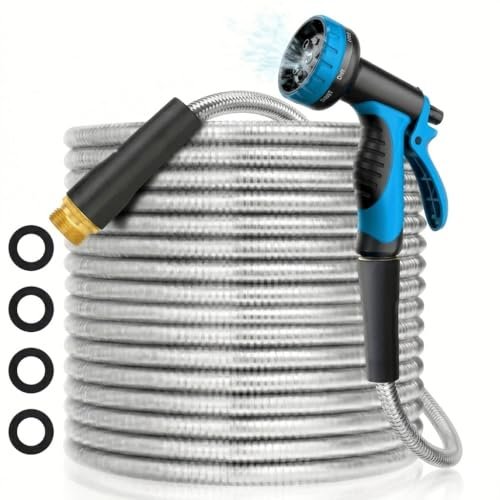 50 ft Flexible Metal Garden Hose (Kink-Free)
Durable hose for filling, priming, and rinsing equipment. View on Amazon →
50 ft Flexible Metal Garden Hose (Kink-Free)
Durable hose for filling, priming, and rinsing equipment. View on Amazon →
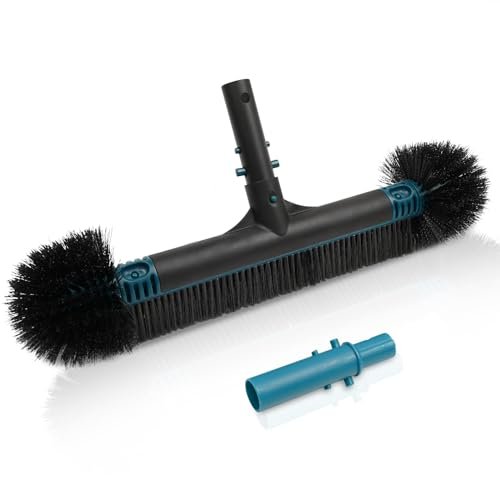 Poolvio 20" 2-in-1 Pool Brush Head (Walls & Floor)
Sturdy 20-inch brush head that clips onto any standard telescopic pole. View on Amazon →
Poolvio 20" 2-in-1 Pool Brush Head (Walls & Floor)
Sturdy 20-inch brush head that clips onto any standard telescopic pole. View on Amazon →
 Taylor K-2006C Complete FAS-DPD Pool & Spa Test Kit
The FAS-DPD kit pool pros trust — reads chlorine accurately even at shock/SLAM levels, plus pH, alkalinity, calcium hardness and CYA. View on Amazon →
Taylor K-2006C Complete FAS-DPD Pool & Spa Test Kit
The FAS-DPD kit pool pros trust — reads chlorine accurately even at shock/SLAM levels, plus pH, alkalinity, calcium hardness and CYA. View on Amazon →
Still need help? Ask a Pool & Spa Expert AD
Get a personalized answer from PoolGuy810 — 30 years owning a pool and spa repair company. Describe your issue and get step-by-step help.
Related Pool Guides
Need More Help?
Try our free pool calculators and tools to help diagnose and fix your pool problems.
Browse Pool ToolsSLAM calculator, pH calculator, salt dosing & more